Working a season lake by lake
Last updated October 03, 2026
The lake-by-lake board shows every lake with work in a season, the stage each one has reached, how many jobs are still open there and how many of those are early-in or late-out customers, so you can say when a lake is done and see exactly who is still waiting.
A season is not one list of jobs. It is a run of lakes, each at its own point: one is still iced in while the shallow lake next to it has half its docks in. The lake-by-lake board is where you say where each lake stands, and where you see who is still waiting there before you call it done.
The board
Choose Seasons in the sidebar. It opens straight onto the running season, lake by lake. If no season is running it shows the most recent one and says so, and the Season box at the top switches to any other season. Beside it, Season details is that season’s jobs and generation, and All seasons is every season you have had.
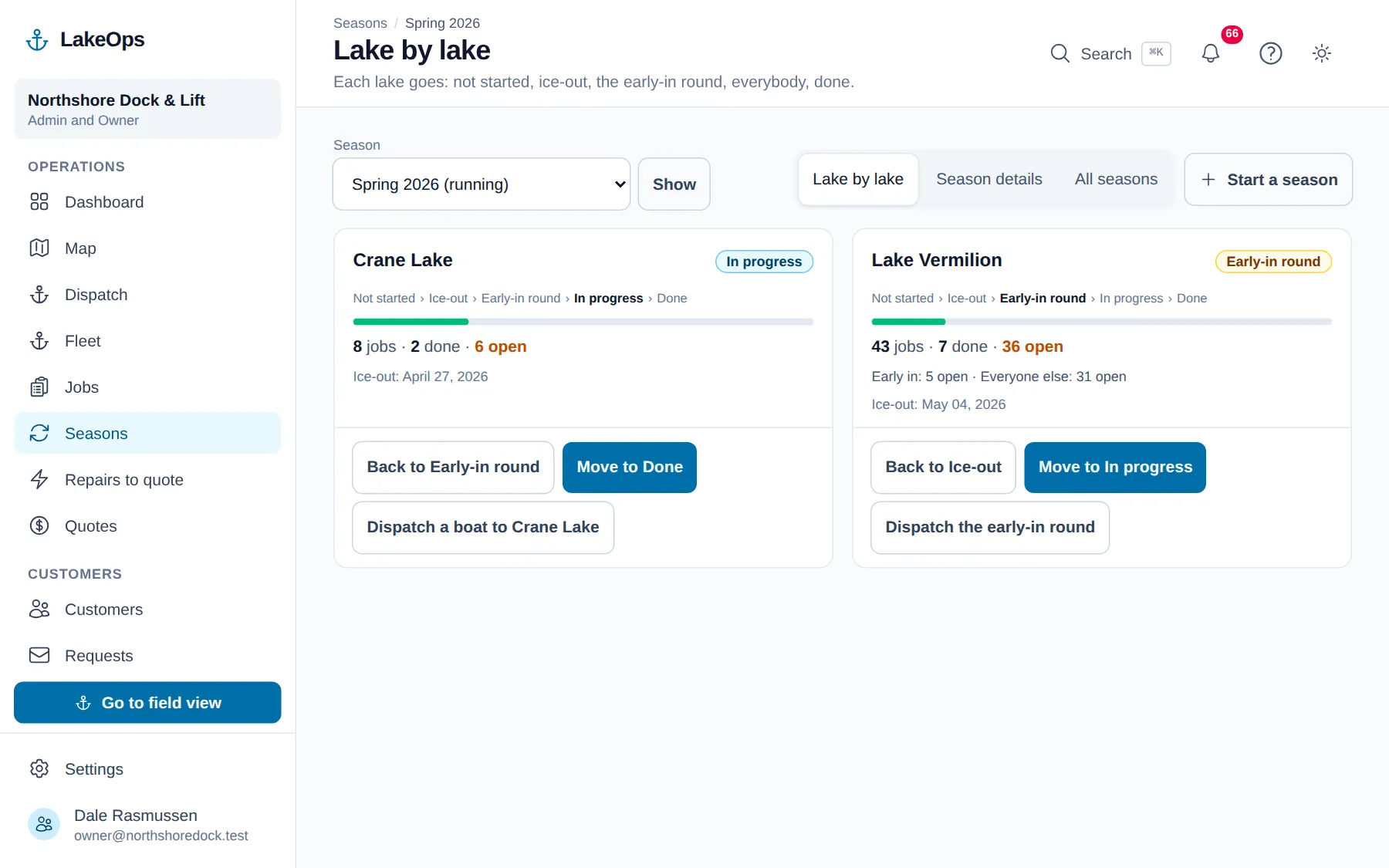
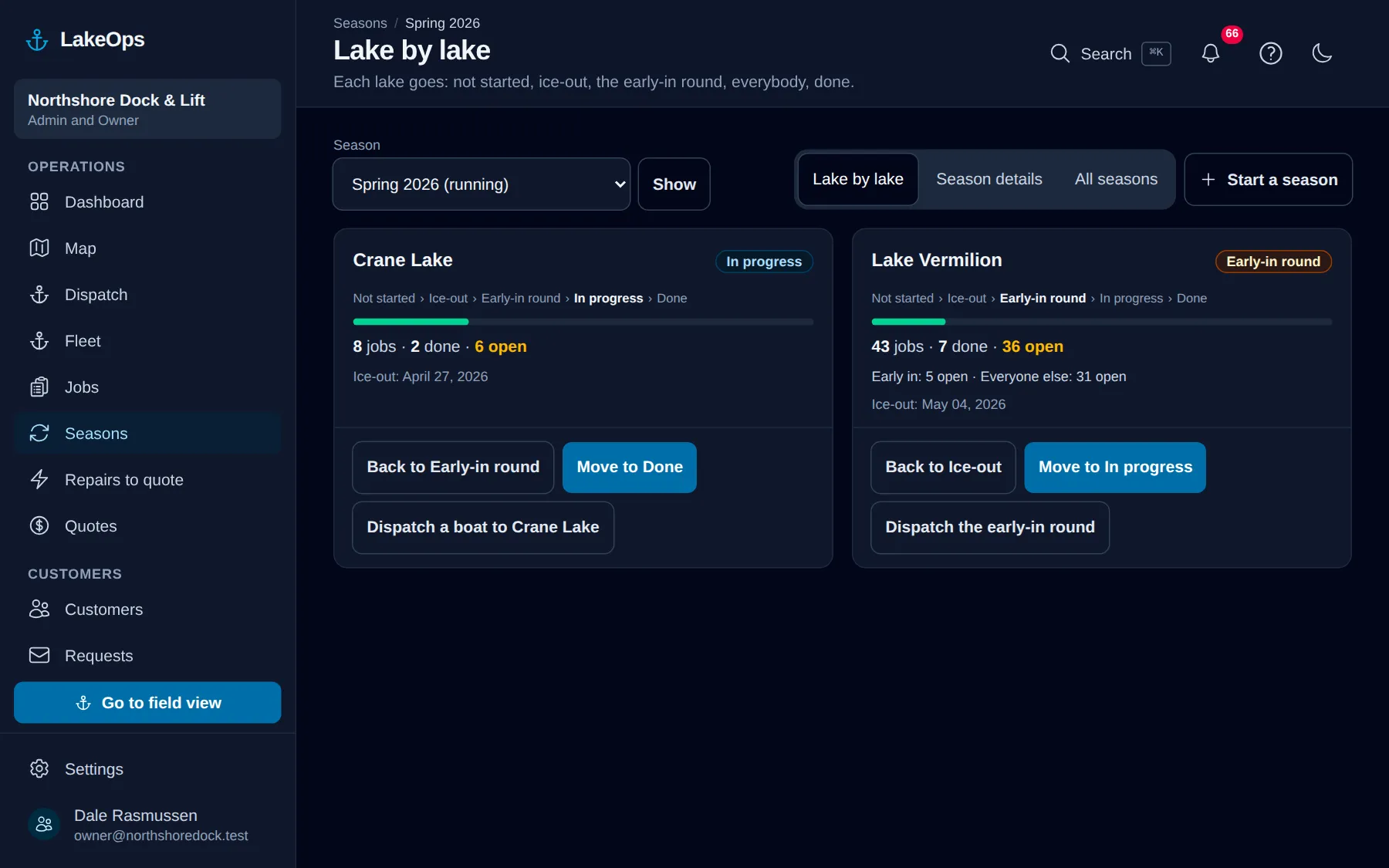
Every lake with work in that season gets a card, as soon as it has a job or a live plan for that time of year. Each card shows the lake’s stage, a bar of how much is done, and the numbers for the season on that lake: all its jobs, the ones done, and the ones still open — plus the ones skipped or canceled for this year, when there are any.
While any of them are still waiting, the card also splits the open jobs in two: the customers who pay to go in first or come out last, and everyone else. That is the early-in and late-out choice on each customer’s plan, so there is nothing new to fill in.
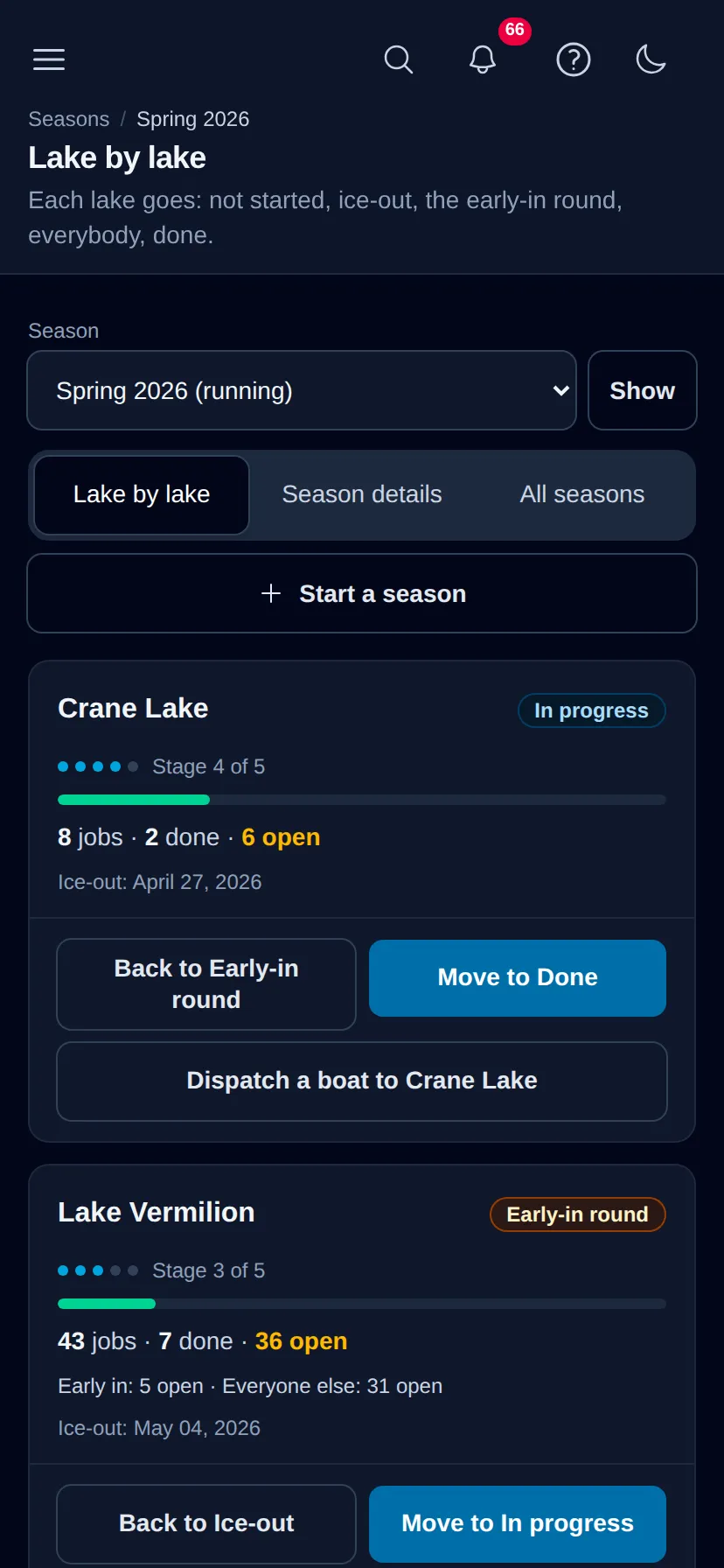
On a phone the board is one card per row, and each card trades the full list of stages for dots and Stage 3 of 5, so you can move a lake on from the landing.
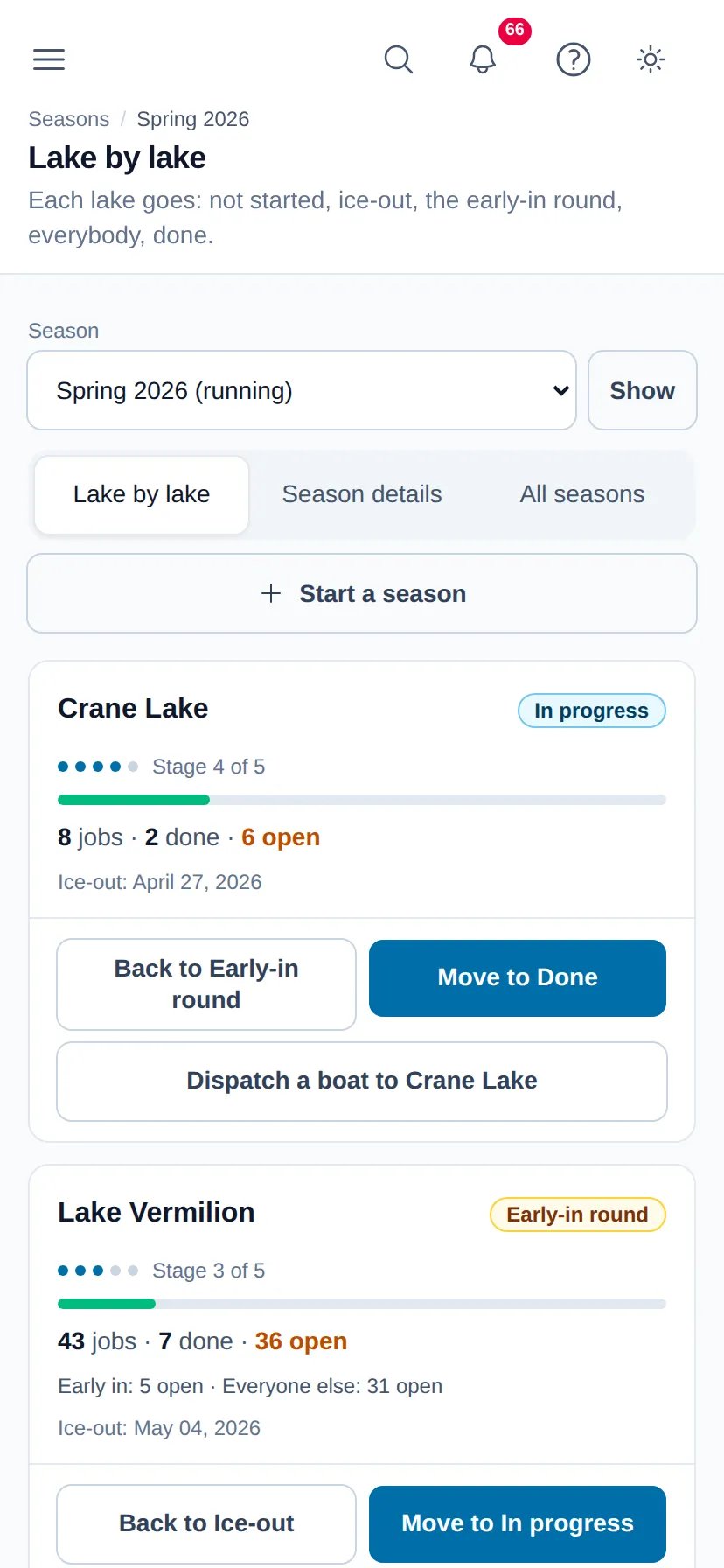
A lake moves one stage at a time, forward or back. Back is there for the tap you did not mean. Every move is recorded with who made it and when, in the activity feed.
Spring: ice-out, the early-in round, everyone
A spring lake goes Not started, Ice-out, Early-in round, In progress, Done. Moving it to Ice-out fills in the ice-out date with today, which you can correct. The early-in round is the stretch where only the customers who paid to be first are being served; when the early-in line drops off the card — none of them is left open — move the lake on to everyone.
Fall: everyone, then the late-out round
A fall lake goes Not started, In progress, Late-out round, Closed for winter. General removals come first; the late-out round is when only the customers who paid to stay in longest are left. Closed for winter means you are finished on that lake before ice-in or the drawdown.
Who is still open
Open a lake to see every job still open there this season, with the customer, the property, the pieces not yet done, and a phone number and email address to reach them by. Filter the list to early-in (or late-out) customers or to everyone else, and download it as a spreadsheet if you want to work through it away from the screen.
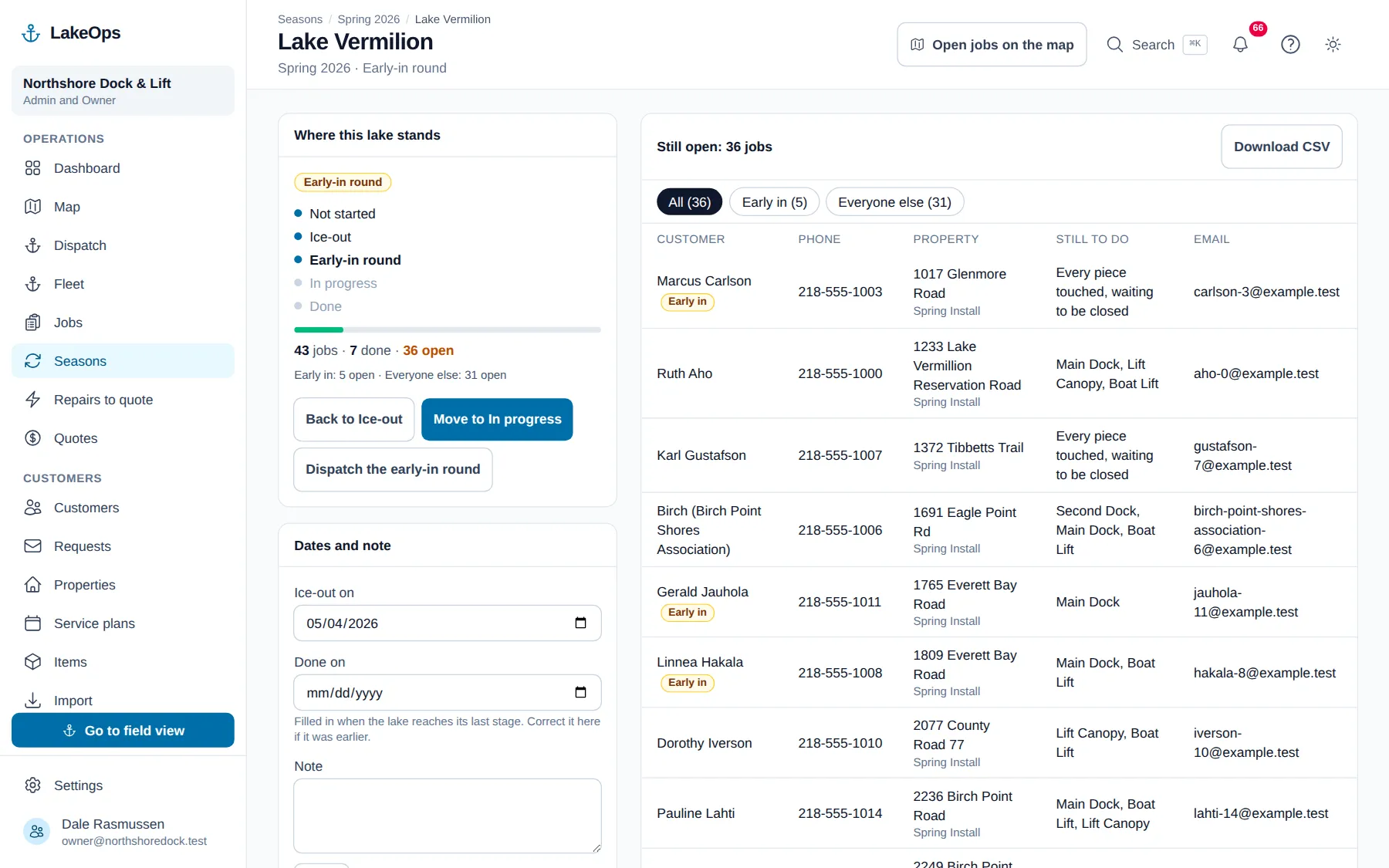
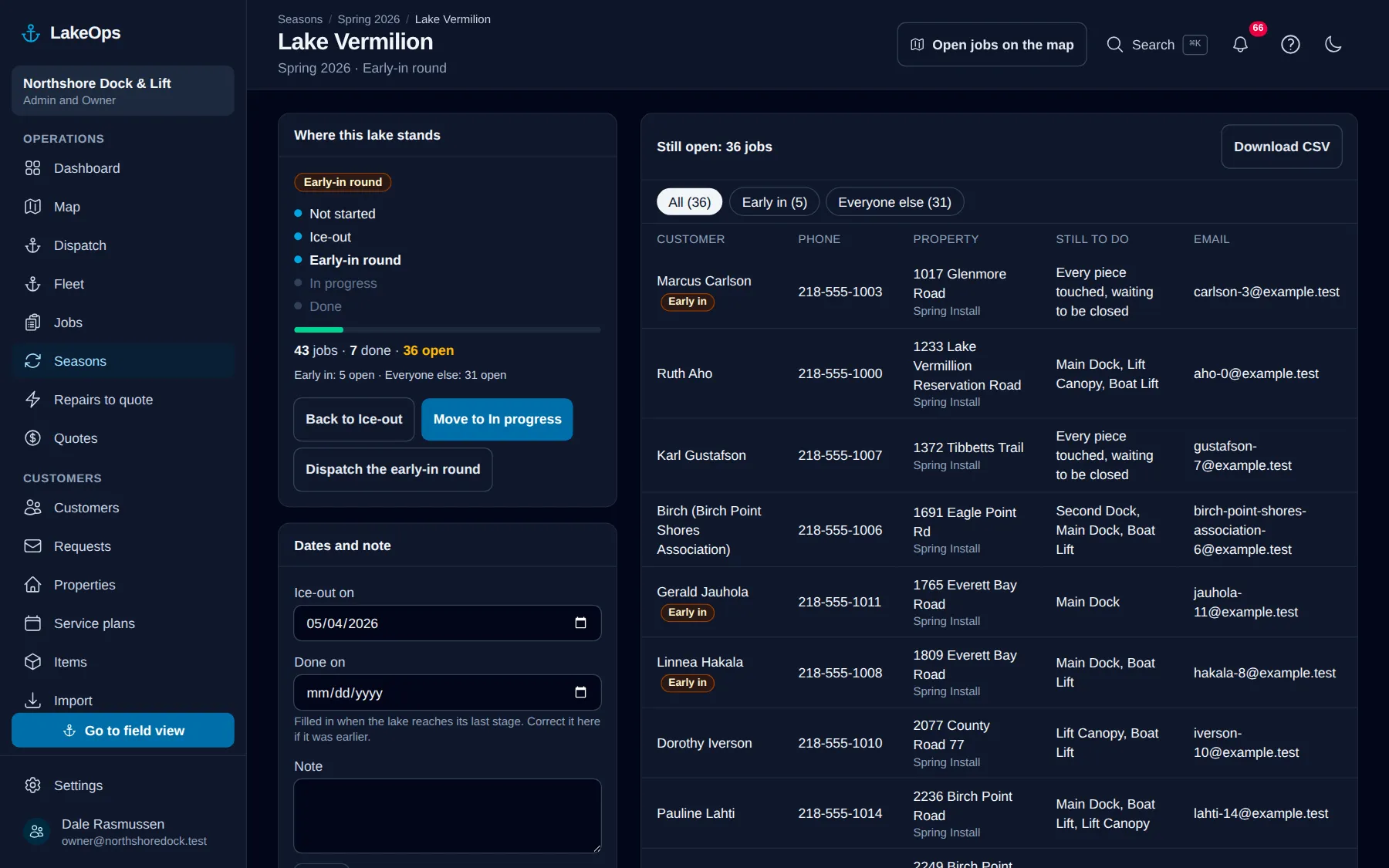
LakeOps does not message these customers for you. Ring them or write to them yourself; the list is there so nobody gets missed. Open jobs on the map takes you to the map showing only that lake and only the properties with open work.
Sending a boat out
Each lake with open jobs has a Dispatch a boat button, on its card and on its page. It opens the dispatch form with that lake already chosen. While the lake is in its early-in or late-out round and some of those customers are still open, the button reads Dispatch the early-in round (or the late-out round) and also sets the boat to early-in and late-out customers only. You still pick the equipment and crew, and you can change anything before you deploy. The button only shows for people allowed to send crews out, and not on a closed season.
When a lake is finished
Moving a lake to its last stage asks you to confirm, and says how many jobs are still open there. Those jobs stay open; finishing a lake never closes, cancels or moves a job. If somebody then creates a new job on that lake while the season is still running, LakeOps shows a warning and creates it anyway. Whether a late request costs more is up to you.
The lake filter on the map shows each lake’s stage beside its name, so the office can see at a glance which lakes are still being worked.
Still stuck? Ask us — or go back to the help center.